Spiritstead System Requirements
Minimum PC specs, storage, and Steam Deck notes
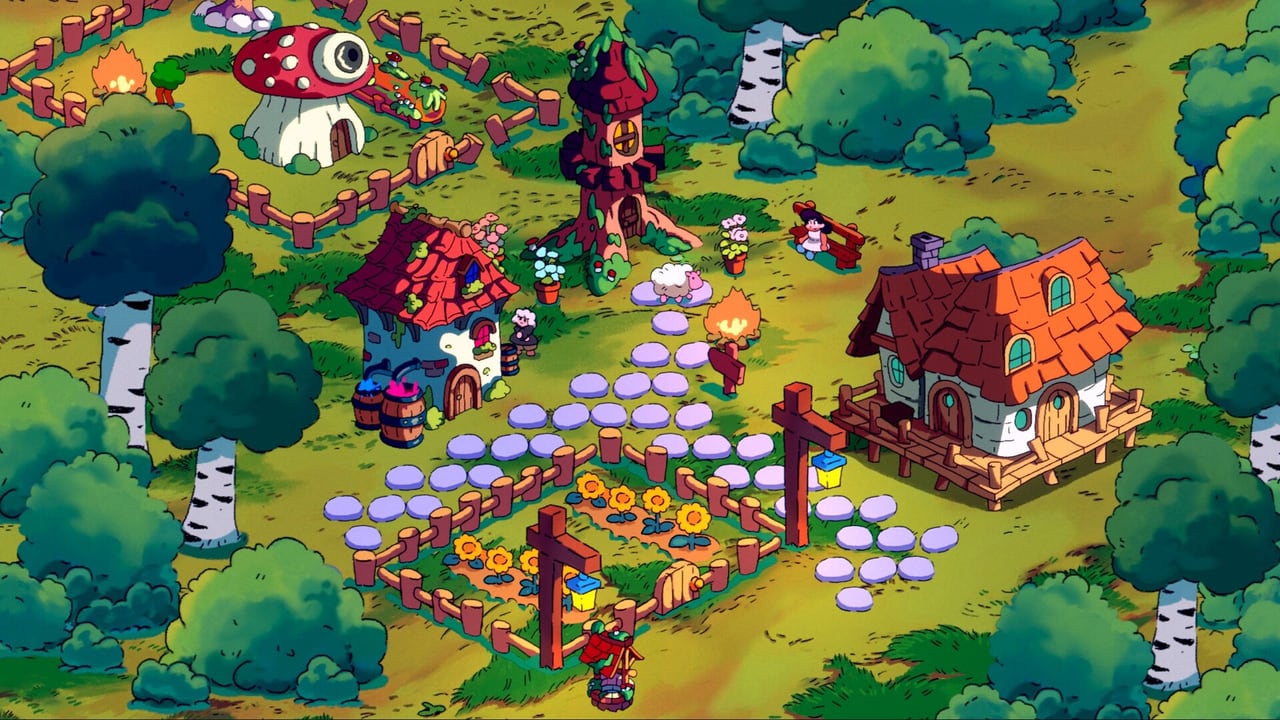
Spiritstead is one of the lightest city builders on Steam’s 2026 calendar — 137 MB storage, 2 GB RAM, and integrated graphics on the minimum spec sheet. That makes it accessible on old laptops, classroom PCs, and Steam Deck handhelds, but it also means expectations should stay grounded: this is not a ray-traced skyline sim. This page translates Steam’s official requirements into plain buying advice, Deck notes, and troubleshooting links so you know whether your hardware can run the demo today and the August 6, 2026 full release at $9.99.
Official minimum requirements (Steam)
Turbo Dog Games lists the following minimum spec for the full Steam app (3501540) and the demo (4017850):
| Component | Requirement |
|---|---|
| OS | Windows 10 or Windows 11 |
| Processor | x86, x64 architecture |
| Memory | 2 GB RAM |
| Graphics | Integrated graphics should be enough |
| Storage | 137 MB available space |
| Architecture | 64-bit processor and operating system (full app listing) |
Steam does not publish a detailed recommended spec block yet — treat integrated GPUs as the design target, not discrete-card showcase terrain.
What these specs mean in practice
2 GB RAM — Spiritstead’s scope (single map, hand-drawn assets, limited simultaneous simulation) stays small. Windows itself needs headroom, so 4 GB system RAM is more comfortable even though the game minimum says 2 GB. Close browser tabs during long Adventure sessions if you are on a tight machine.
Integrated graphics — Expect 1080p-friendly performance on Intel UHD/Iris and AMD Vega-class iGPUs. Discrete GPUs work fine but are not required. If you see stutter, lower OS scaling before blaming the game — UI scale affects cozy builders heavily.
137 MB storage — Tiny by modern standards. SSD vs HDD barely matters; leave space for Steam screenshots and future patches anyway.
64-bit OS — Full listing notes 64-bit Windows; 32-bit installs are out of scope. Match Windows 10/11 updates for controller and Deck streaming stability.
Steam Deck compatibility
Community demo reviews already tag played mostly on Steam Deck, aligning with minimum specs. Deck fits Spiritstead’s session length and input model, but read Steam Deck controls — rotation and placement feel clunkier than mouse for some players. Deck is playable, not perfect for blueprint-heavy Creative tours.
Proton: use Steam’s default compatibility layer for the demo before launch day; no special account linking required.
OS and input prerequisites
- Windows 10/11 with current patches.
- Mouse or Steam Input equivalent for drag-assign.
- Keyboard for WASD camera, F reposition, R rotate (or remapped Deck bindings).
Full binding reference: PC controls.
Demo vs full game requirements
Both listings share the same minimum table today. Installing the free demo is the safest compatibility test — if Adventure and Creative run smoothly, the paid app should behave identically barring late optimization patches.
Compare content scope on Demo vs Full Game, not spec sheets.
Performance tips on low-end hardware
- Run fullscreen borderless if window manager compositing stutters on old iGPUs.
- Disable unrelated overlays (Discord hardware acceleration, recorder hooks).
- Zoom discipline — constant max zoom on huge Snow maps costs more CPU on weak chips; pan instead of hammering wheel scroll.
- Save file hygiene — Spiritstead worlds reuse geography; bloated decorative saves may load slower even if FPS stays fine.
When you might need better hardware
Consider a modest upgrade path only if:
- You stream + record simultaneously on 2 GB systems (OS RAM starves first).
- You remote-play to weak clients — host machine still needs decode headroom.
Otherwise Spiritstead targets the machine you already use for indie demos.
Linux and macOS support
Spiritstead currently lists Windows 10/11 only on Steam. Proton on Steam Deck covers Linux handheld use, but native Linux and macOS builds are not announced as of the demo period. Wishlist and watch the store page if Turbo Dog Games expands platforms after the August 2026 launch.
Related buyer pages
- Release guide — launch date and price.
- Review hub — first impressions video.
- Official links — Steam and demo URLs.
- Controls hub — input requirements.
Frequently Asked Questions
Quick answers to the most common questions.
Can Spiritstead run on integrated graphics?
Yes. Steam’s minimum spec explicitly says integrated graphics should be enough. Discrete GPUs work but are not required for the hand-drawn cozy builder.
How much storage does Spiritstead need?
About 137 MB according to Steam minimum requirements — unusually small for a city builder. Leave extra space for patches and Steam screenshots.
Is 2 GB RAM really enough?
Steam lists 2 GB as minimum. Windows background tasks benefit from 4 GB system RAM, but the game itself is lightweight relative to AAA titles.
Does Spiritstead work on Steam Deck?
Yes, with modest specs and existing player reports. Rotation and placement can feel clunky compared to mouse — see our Steam Deck tips page.
Do demo and full game differ in requirements?
Steam shows the same minimum requirements for both app IDs today. Use the free demo as a hardware test before buying.
Is Linux native support listed?
Steam focuses on Windows 10/11 minimum specs. Linux/Deck users typically rely on Steam Play; test with the demo if Proton behavior matters to you.